Jobs & Business
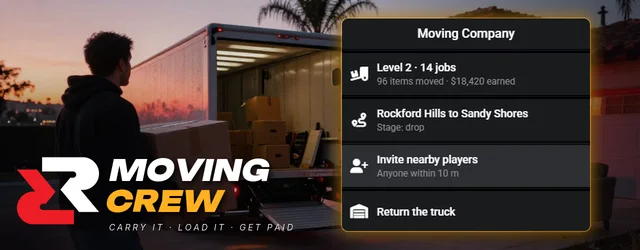
Moving Crew Co-op moving job
Carry real furniture from a driveway into a Mule box truck, drive it across town and set every piece down at the new front door. Heavy pieces need two people, and a broken TV costs the crew its tip.
See it in action
Overview
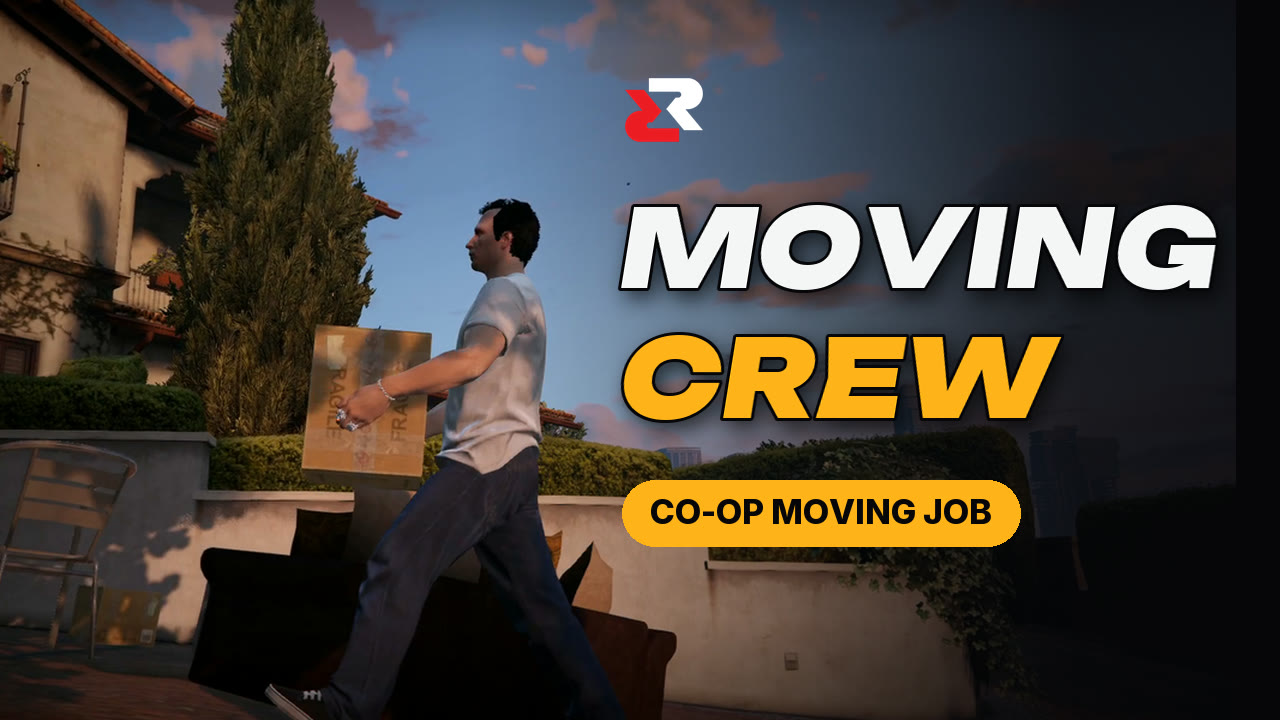
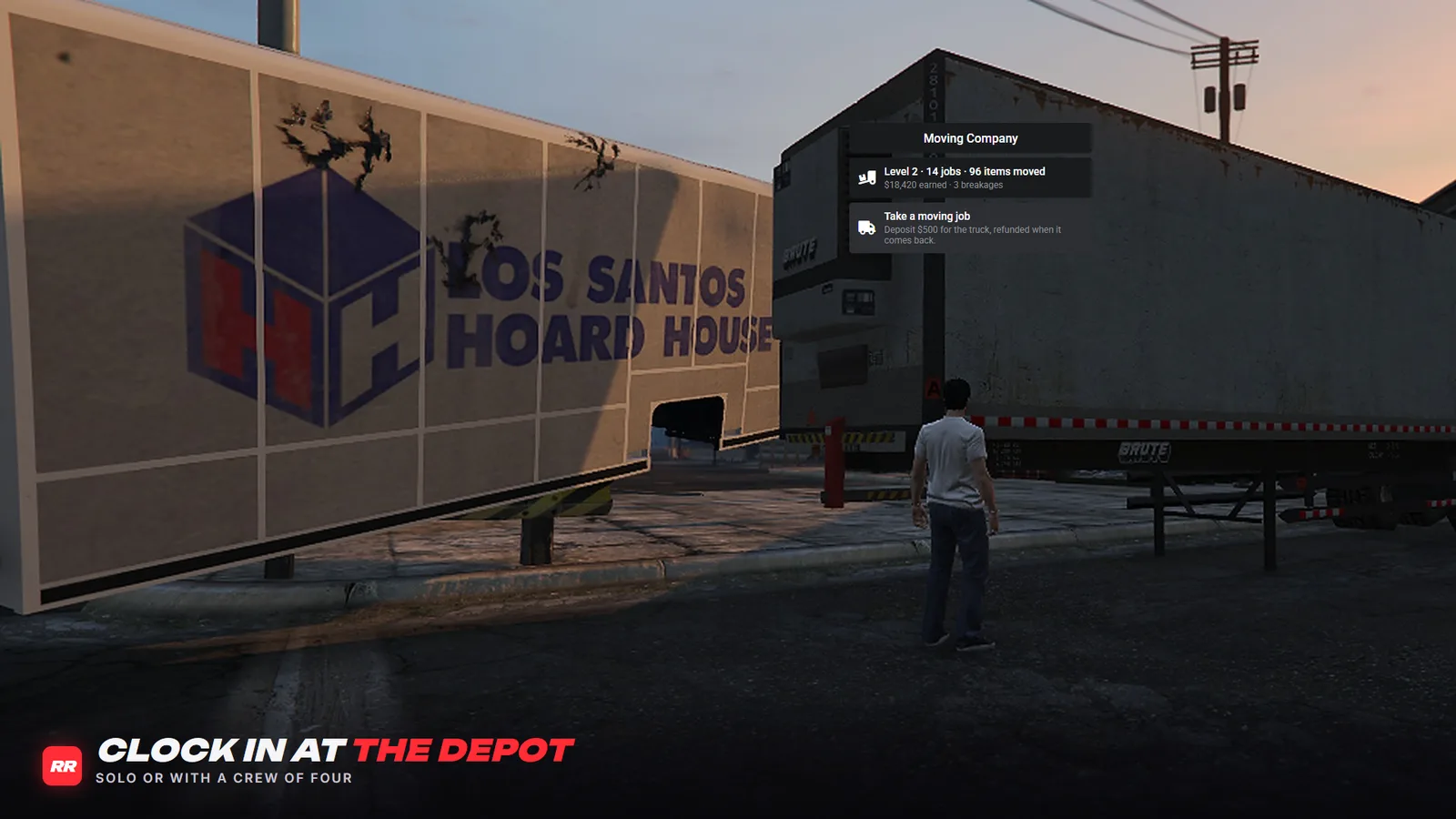
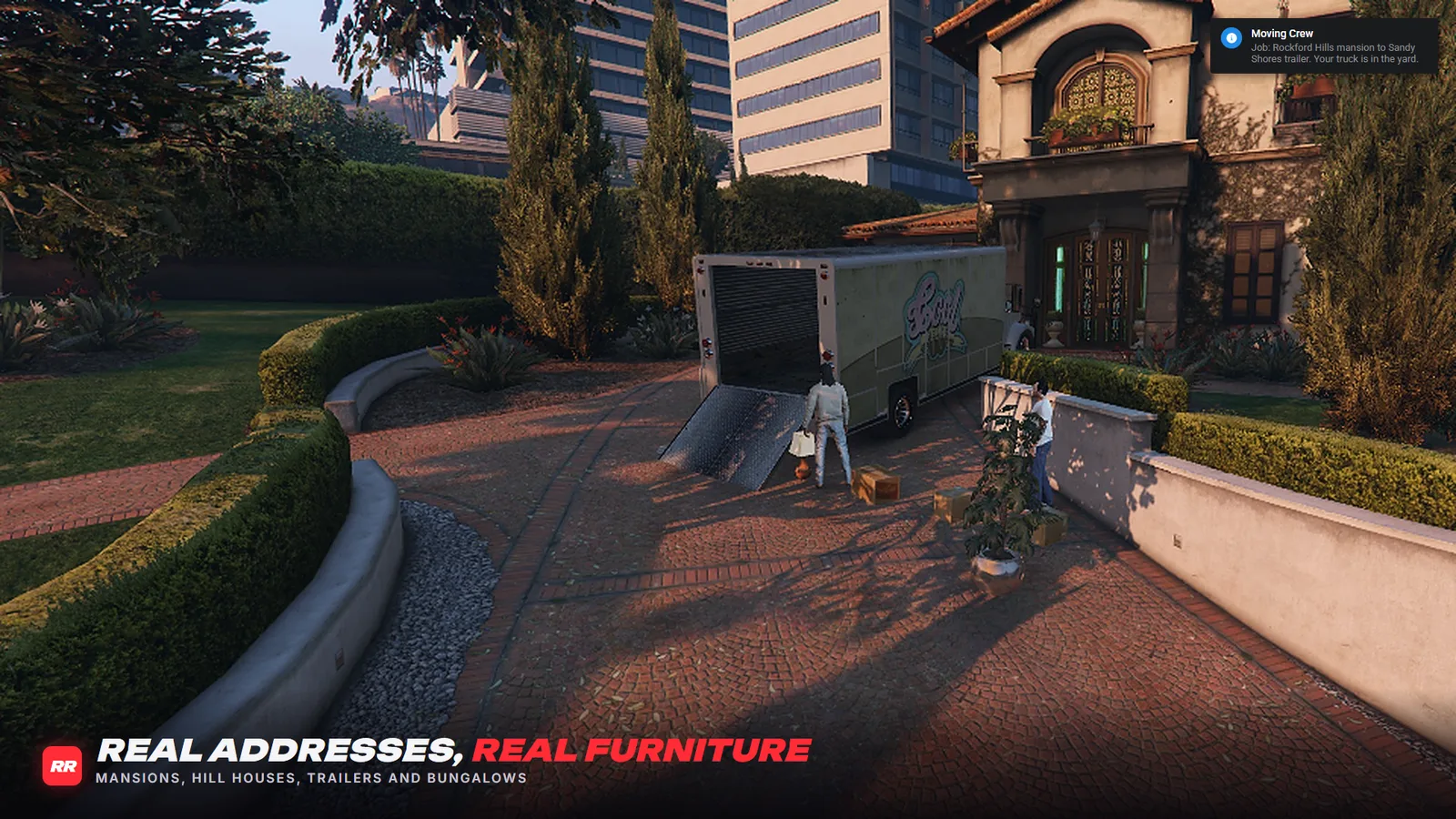
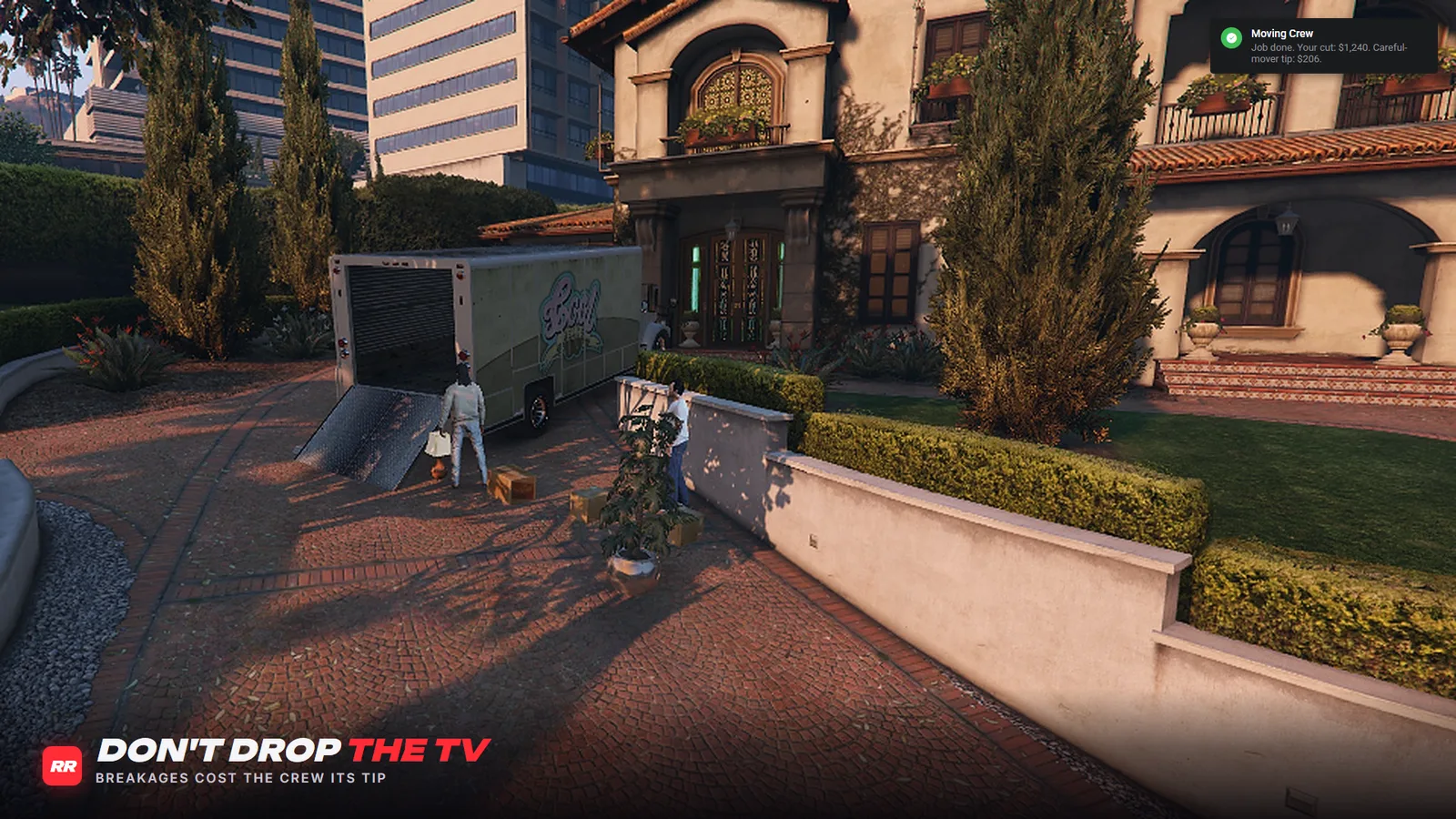
Moving Crew is a moving job your players run with friends. They take a contract from the boss at the moving yard on the docks, and a Mule box truck rolls out with their keys. At the pick-up the load is waiting on the driveway. Each piece gets carried up the ramp into the truck, driven across town and set down by the new front door, one at a time.
How it plays
- Talk to the boss at the moving yard and take a job. A $500 truck deposit comes back when the truck is parked on the marked spot in the yard.
- Bring up to three friends. Everyone sees the same furniture and gets paid for the pieces they delivered.
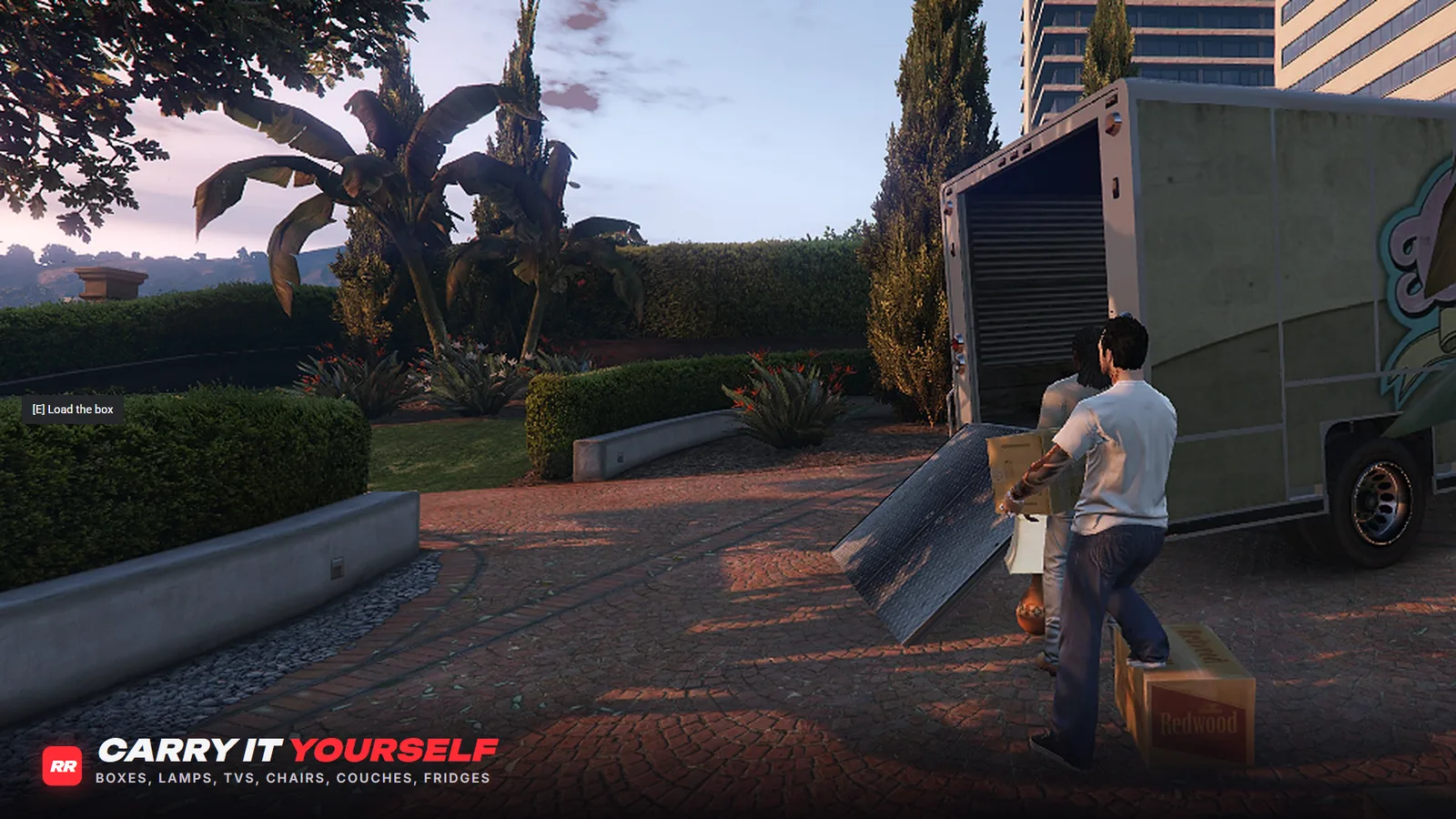
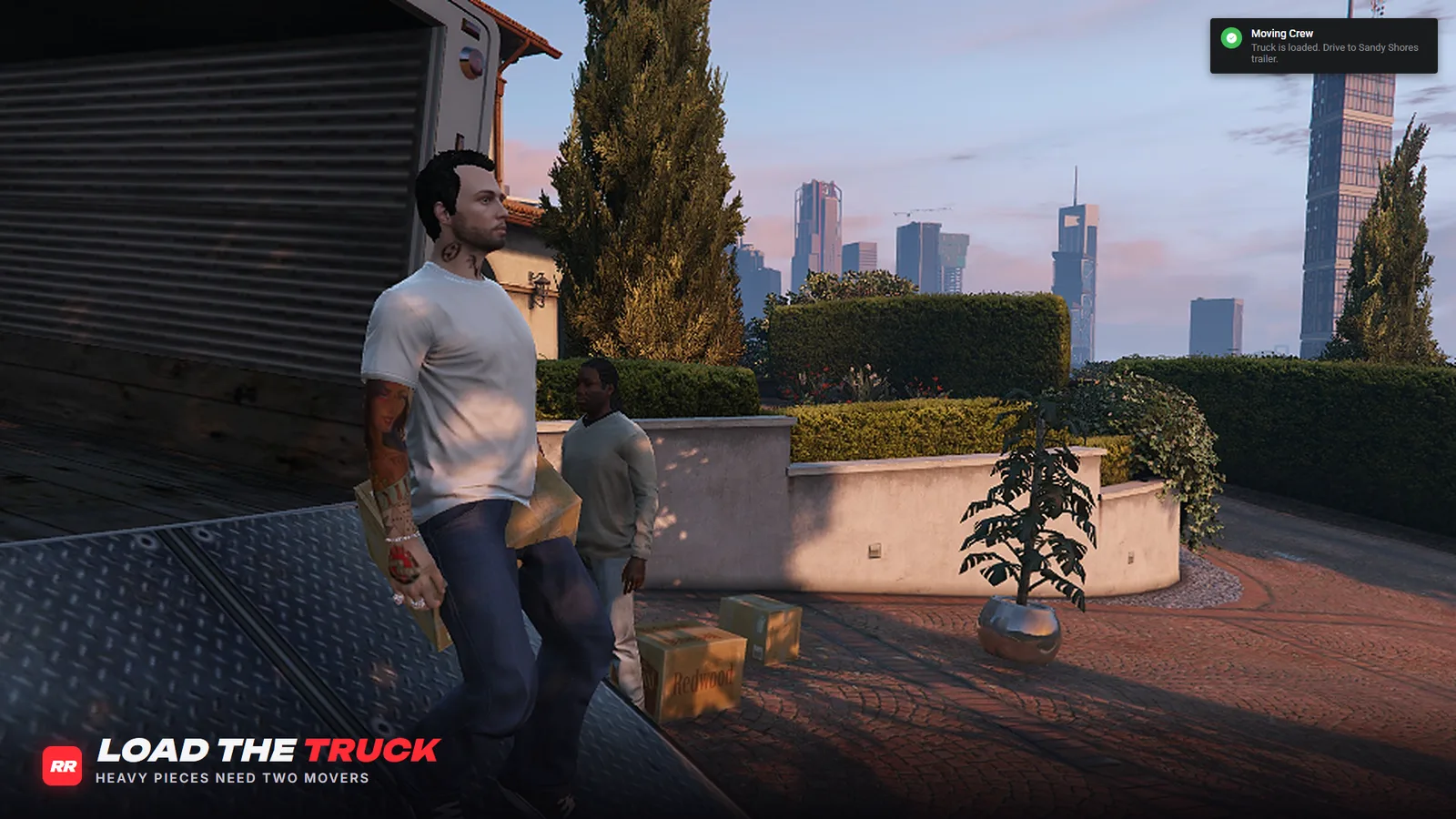
- Pick a piece up, walk it to the back of the truck and load it. Bigger pieces slow you down, and heavy ones need a partner.
- Drive to the drop-off, take pieces out one at a time and set them by the front door.
- Pay per piece by size. Finish with nothing broken and the crew splits a careful-mover tip.
- Levels unlock heavy pieces at level 2 and bigger loads at level 3.
- Furniture is placed only once a player is near and the ground has loaded, so nothing floats on slow-streaming servers.
Features
Real Furniture
Boxes, lamps, plants, TVs, chairs, microwaves, couches and fridges, each carried by hand with its own weight.
Crews of Four
The leader invites up to three friends. Everyone sees the same load and gets paid for what they carried.
Heavy Lifting
Medium pieces stop you sprinting. A couch or a fridge needs a second mover right next to you to lift.
Breakage and Tips
Fall or get knocked down while carrying and the piece breaks. A clean job earns the crew a careful-mover tip.
Job Sheet
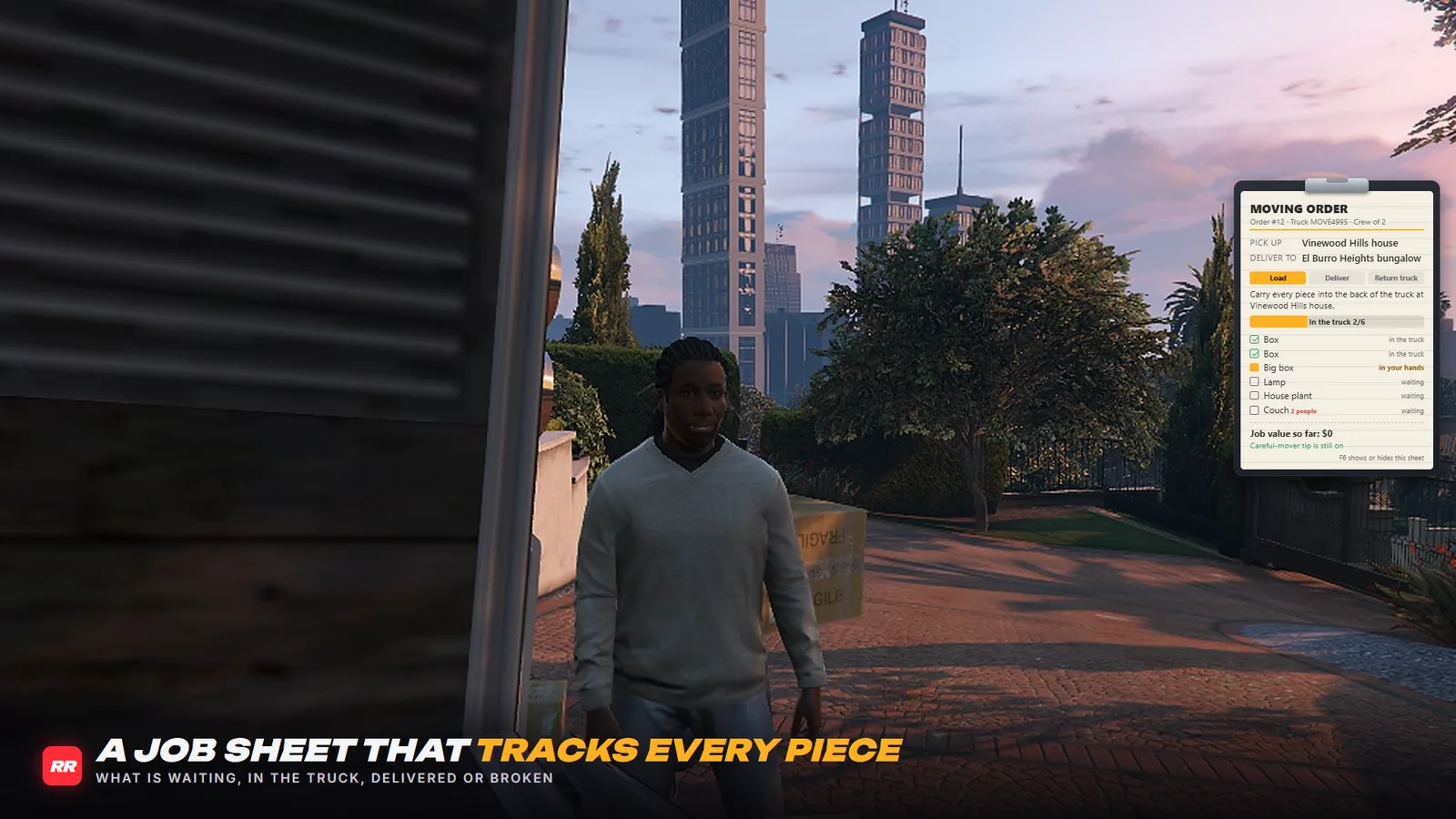
A clipboard tracks the order: where to go, what is waiting, loaded, delivered or broken, and the job value so far.
Server-Authoritative
The server spawns the truck and decides every pick-up, load, delivery, breakage and payout.
Screenshots
Setup
Installation
- Extract rr-moving-crew into your resources folder and add 'ensure rr-moving-crew' after ox_lib and oxmysql
- Start the server. The rr_moving_stats table creates itself, and there are no items to add
- Optional: move the depot, the truck spots or the addresses in config.lua
Dependencies
- qbx_core or qb-core
- ox_lib
- oxmysql
- A vehicle key script (qbx_vehiclekeys and qb-vehiclekeys supported)
Commands
| Command | What it does |
|---|---|
/movingsheet (F6) | Show or hide the job sheet. Players can rebind the key. |
/moving debug [id] | Admin: show a player's job |
/moving cancel [id] | Admin: end a job and refund the deposit |
/moving truck [id] | Admin: bring the job truck to a player |